

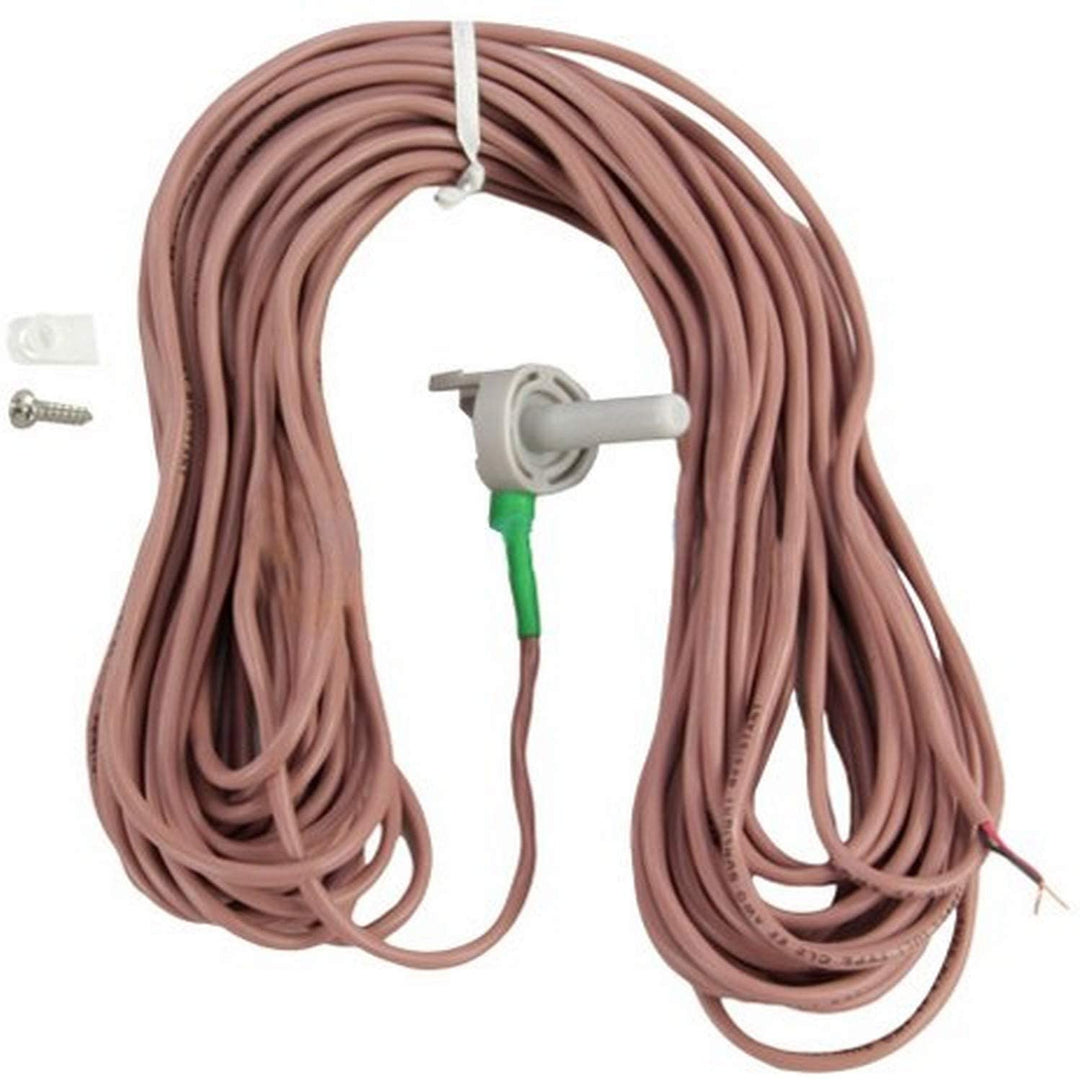
Jandy 7790 15 ft. AQUALINK RS PDA Z4 Temperature Sensor Kit
7790
🌡️ Zodiac 7790 15' Temperature Sensor Kit for AquaLink RS, PDA, Z4
Part #7790 | Genuine Zodiac/Jandy/Fluidra Replacement | 15-Foot Cable
How to Install:
Replaces:
📦 What's Included:
📝 Note: Always verify compatibility with your specific automation system before purchase. For help with installation or troubleshooting, consult your system manual or contact a pool professional.
Part #7790 | Genuine Zodiac/Jandy/Fluidra Replacement | 15-Foot Cable
The Zodiac 7790 Temperature Sensor Kit is designed for use with AquaLink RS, PDA, and Z4 pool & spa automation systems. Ensure accurate water temperature readings for optimal system performance and comfort. This sensor helps your controller maintain the perfect pool or spa temperature with reliable, real-time monitoring.
- ✅ Compatibility: Works with Zodiac/Jandy AquaLink RS, PDA, and Z4 control systems
- 📏 Length: 15 feet (factory-terminated cable for easy installation)
- 🔧 Application: For use as a replacement water, air, or solar temperature sensor
- 🛠️ OEM Quality: Genuine Zodiac/Jandy/Fluidra replacement part ensures proper fit and operation
- ⚡ Easy Installation: Connects directly to the control panel—no splicing or special tools required
- 🔄 Versatile Use: Can be used to monitor pool, spa, air, or solar collector temperature (select application in controller menu)
How to Install:
- Turn off power to your control system.
- Remove the old sensor (if replacing).
- Mount the sensor in the desired location (water pipe, air area, or solar collector).
- Connect the sensor cable to the appropriate terminal on the control board.
- Restore power and configure the controller for the new sensor location as needed.
Replaces:
- Jandy/Zodiac/Fluidra 7790
- Compatible with older Jandy temperature sensor kits (verify length and connector type)
📦 What's Included:
- One (1) 15-foot temperature sensor with factory-terminated connector
- Installation instructions
📝 Note: Always verify compatibility with your specific automation system before purchase. For help with installation or troubleshooting, consult your system manual or contact a pool professional.
Out of stock? Get a quote.
We can usually source this item from our suppliers. Leave your details and we will text or email you a quote, typically within one business day.
Free 90-day returns. No restocking fee, prepaid label. Opened the box to check fit? Still a full refund. Details
Find It in the store:1-W-20-G